

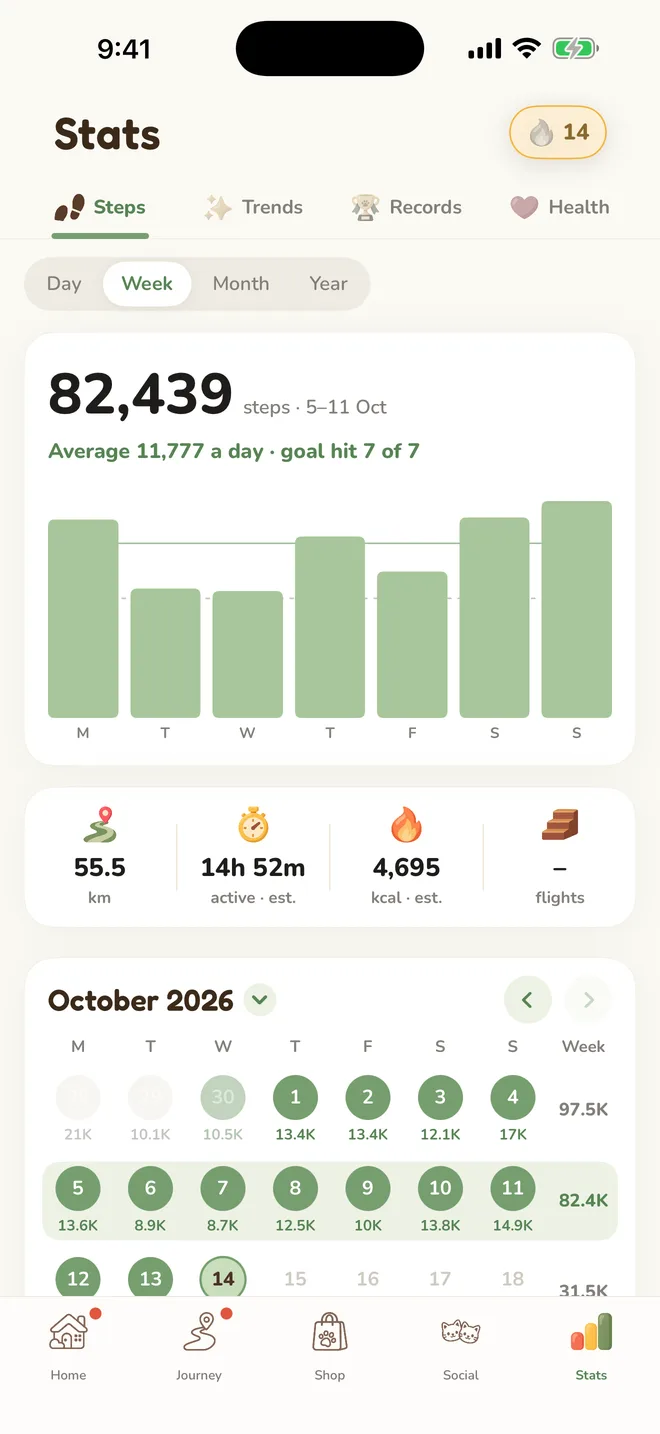
Just walk. That's the whole trick.
Steps come straight from Apple Health, walks and runs alike. There's nothing to start or stop. Put your phone in your pocket and go about your day.
Your walkie walks when you walk. Every step earns coins for its closet, moves it along the Journey and brings cheers from walkies around the world.



A free step counter for iPhone. No sign-up. Walks and runs both count.

Steps come straight from Apple Health, walks and runs alike. There's nothing to start or stop. Put your phone in your pocket and go about your day.

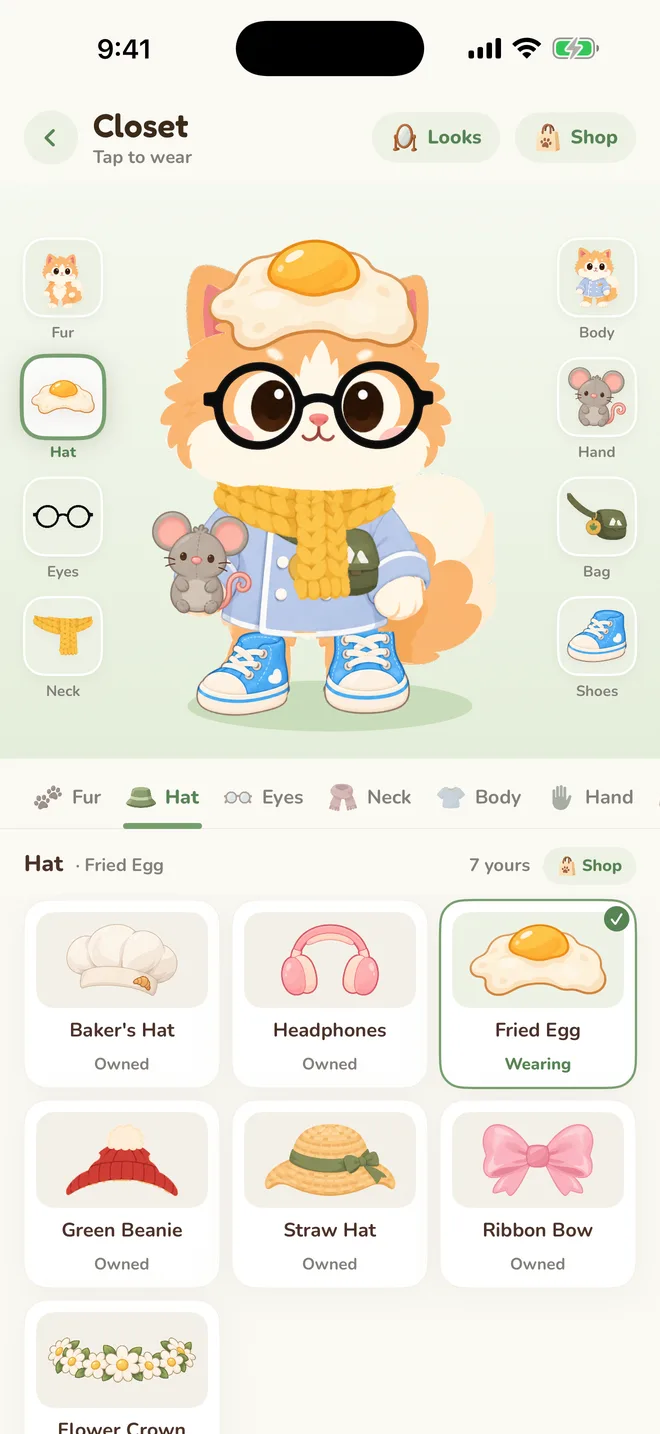
Onesies, hats, glasses, bags and sneakers, most of them bought with coins you earn by walking. Save your favourite looks and switch in a tap.

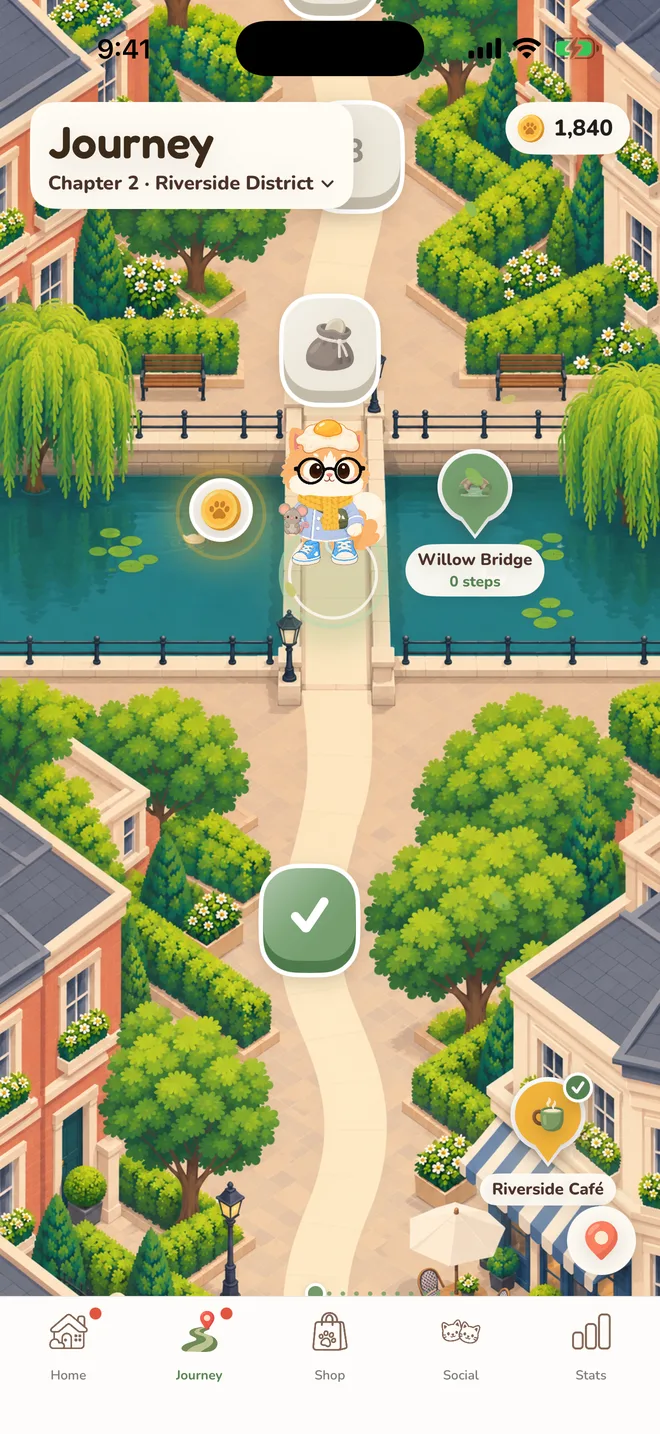
Your steps carry your walkie down the path, one tile a day, through Maple Lane and on to Riverside, now one continuous map along the canal. Finds, landmarks and chests wait on the way.

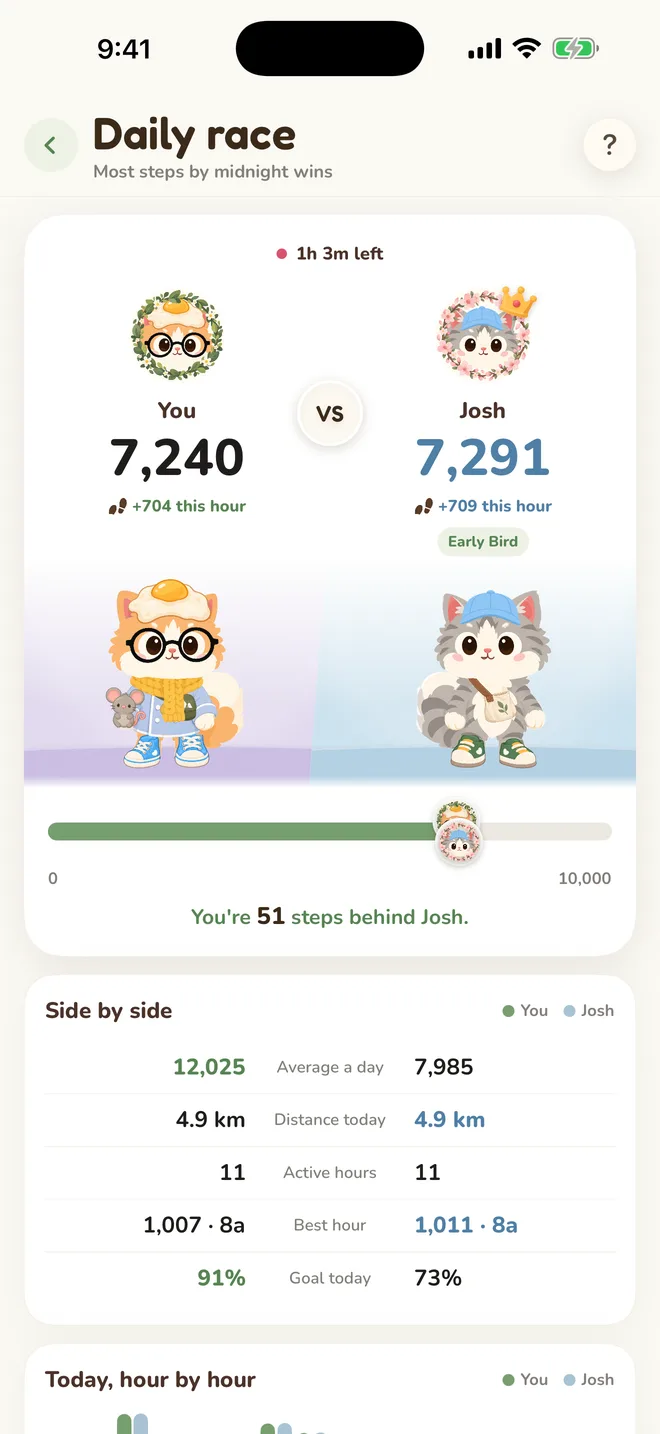
Most steps by midnight wins. Each of you stands on your own backdrop, and you can nudge your friend along the way.

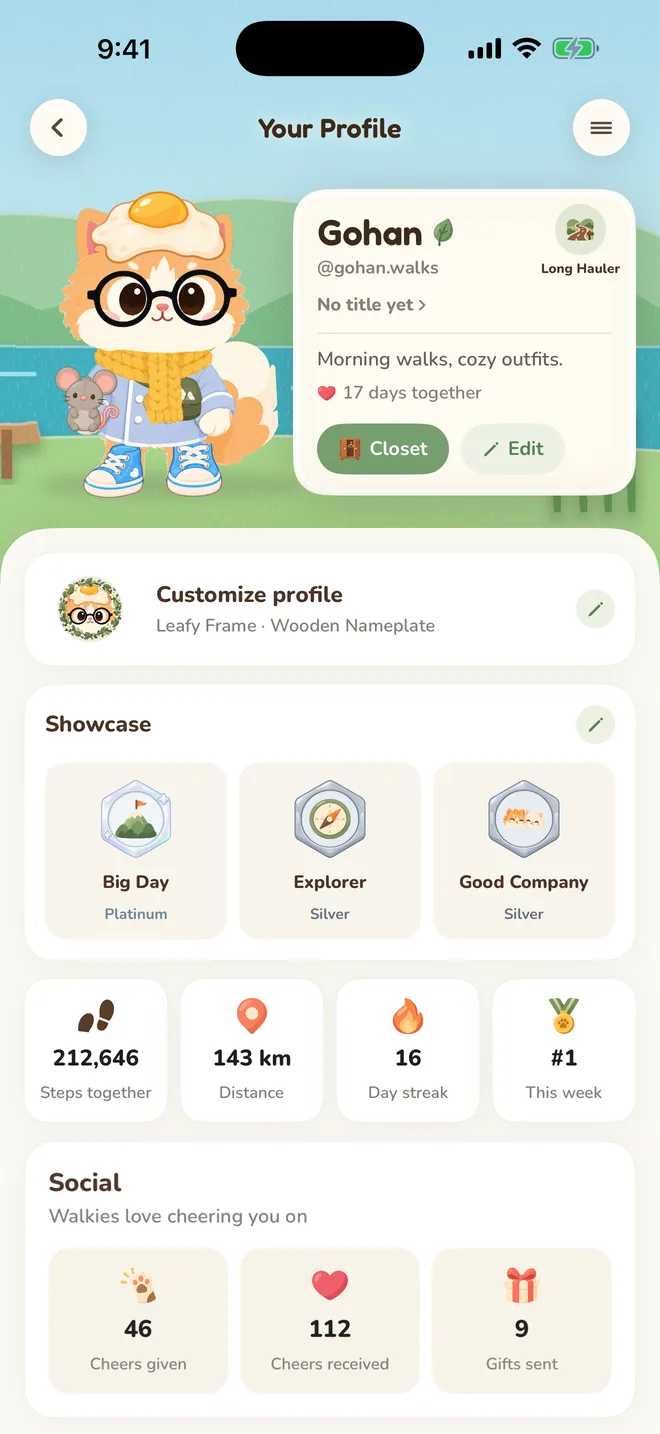
Customize profile keeps it all in one place: a backdrop, a frame, a nameplate and the titles you earn by walking. The backdrop is the scene behind your walkie, on Home, on your Social tile and in every race.
Summer LakePlain colours are free. Scenes come from the Shop.

Walkie speaks fifteen languages, and your walkie can join the Country and World boards. See where today's steps put you at home and everywhere else.
English日本語한국어简体中文繁體中文EspañolPortuguêsFrançaisDeutschItalianoNederlandsTürkçeไทยTiếng ViệtBahasa Indonesia

Going on holiday or feeling unwell? Take a break and keep what you built.

Tiered achievements from Bronze to Legend as the kilometres add up.

Every day of your step history from Apple Health, the Year view and walking health.

Open the app and start walking. Walkie quietly makes you a private account, and your health data is never used for advertising or sold.
Walkie reads your steps and distance. It never writes to Apple Health.
On Social, walkies see your walkie's name, look and country. Never where you are.
Link Apple or Google, then tap “I already have a walkie” on the new phone.
Remove your walkie and its data from the app, or from the web.
More answers in the help centre, or write to support@getkredo.app.
Yes. Walking earns everything in the closet that costs coins, and all of Stats is free. Walkie Pro is an optional subscription with a daily diamond allowance, the Pro Wardrobe, stickers of your own walkie and early access, and it comes with a 7-day free trial.
No. Walkie reads your steps from Apple Health, so it counts everything your phone or watch already records, even on days you never open it.
Yes. Walkie counts steps, so a run, a hike or a busy day on your feet all move your walkie along.
Open Add friends to search by name, @handle or invite code, or pick from walkies suggested near your time zone. You can also share your own code, and a friend's code works in Menu › Redeem a code.
Your walkie's name, look, country and today's steps, never where you are. Turn off Show me on rankings in Menu › Social to leave the boards, and Do not disturb there pauses cheers, stickers and gifts.
Nothing dramatic. Gohan waits for you. If you know you'll be away, take a break from the menu and your streak is held.
Yes. Link Apple or Google in the app first. On the new phone, tap “I already have a walkie” when you start, sign in with the same account, and your walkie comes back.
Your first walk is already counted. Come say hi.


Walkies everywhere, cheering you on.
The new Social tab shows walkies out walking right now, from every country. Tap one to cheer them on or send a sticker to their board, and add the ones you like as friends.
Cheers
Cheer three walkies a day. Cheering others is the surest way to get cheered back.
Stickers
Pick one and it lands on their sticker board. With Pro, make your own from your walkie's face and your words.
Gifts
Walkies can send you coins. Walkie pays for every gift, so it costs them nothing.
Near your time zone
Add friends suggests walkies who wake up and walk when you do. A friend’s invite code works in Menu › Redeem a code.